Corex
Take the SurveyFor ResearchersFor InstitutionsFor SponsorsBlogAboutContactGet Started
  1. Home
  2. ›Support
  3. ›Account, help and signing out
In this guide
  1. 1.Welcome to Corex
  2. 2.Create your account
  3. 3.Set your password and sign in
  4. 4.Your first sign-in
  5. 5.Connect your ORCID iD
  6. 6.Complete your profile
  7. 7.Set what you're Seeking and Offering
  8. 8.Activate your profile
  9. 9.Share your public profile
  10. 10.Your Hub: matches and notifications
  11. 11.Search
  12. 12.Messages
  13. 13.Account, help and signing out

Getting started guide

  1. 1.Welcome to Corex
  2. 2.Create your account
  3. 3.Set your password and sign in
  4. 4.Your first sign-in
  5. 5.Connect your ORCID iD
  6. 6.Complete your profile
  7. 7.Set what you're Seeking and Offering
  8. 8.Activate your profile
  9. 9.Share your public profile
  10. 10.Your Hub: matches and notifications
  11. 11.Search
  12. 12.Messages
  13. 13.Account, help and signing out

Step 13 of 13

Account, help and signing out

  • Click your name in the top-right corner to open the account menu: My Profile and Sign out.
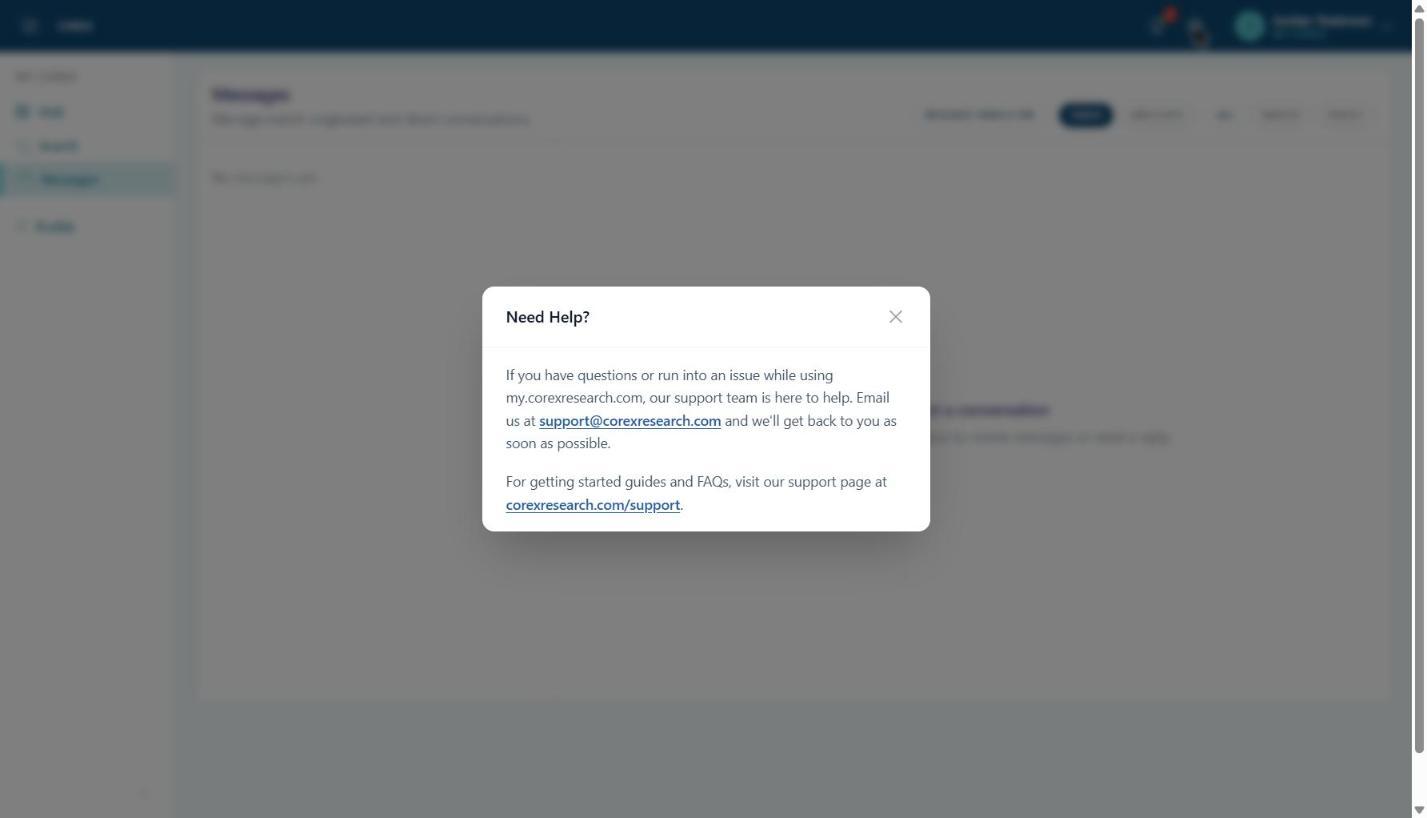
  • The ? icon opens Need Help? with the support email and help site.
  • Forgot your password? Use Forgot your password? on the sign-in page.
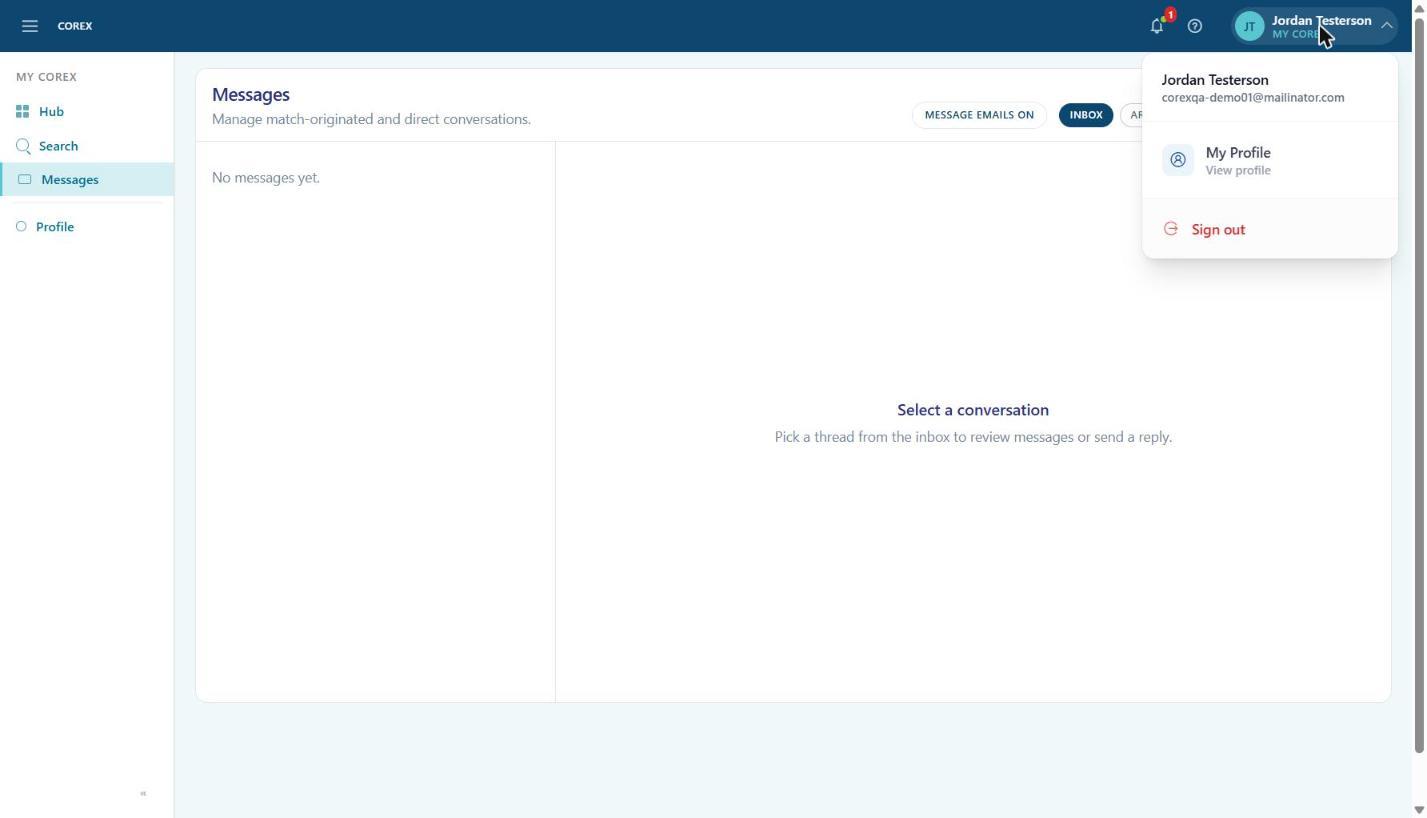
The account menu.
Figure 1. The account menu.
Need Help? shows how to reach support.
Figure 2. Need Help? shows how to reach support.
← Messages
Corex Logo

Shortening the distance between a question and its answer.

Quick Links

  • For Researchers
  • For Institutions
  • For Sponsors
  • Charter Institution Program
  • Blog
  • About Us
  • Contact
  • Support
  • Sign in

Contact

  • [email protected]

© 2026 Corex. All rights reserved.