Step 11 of 13
Search
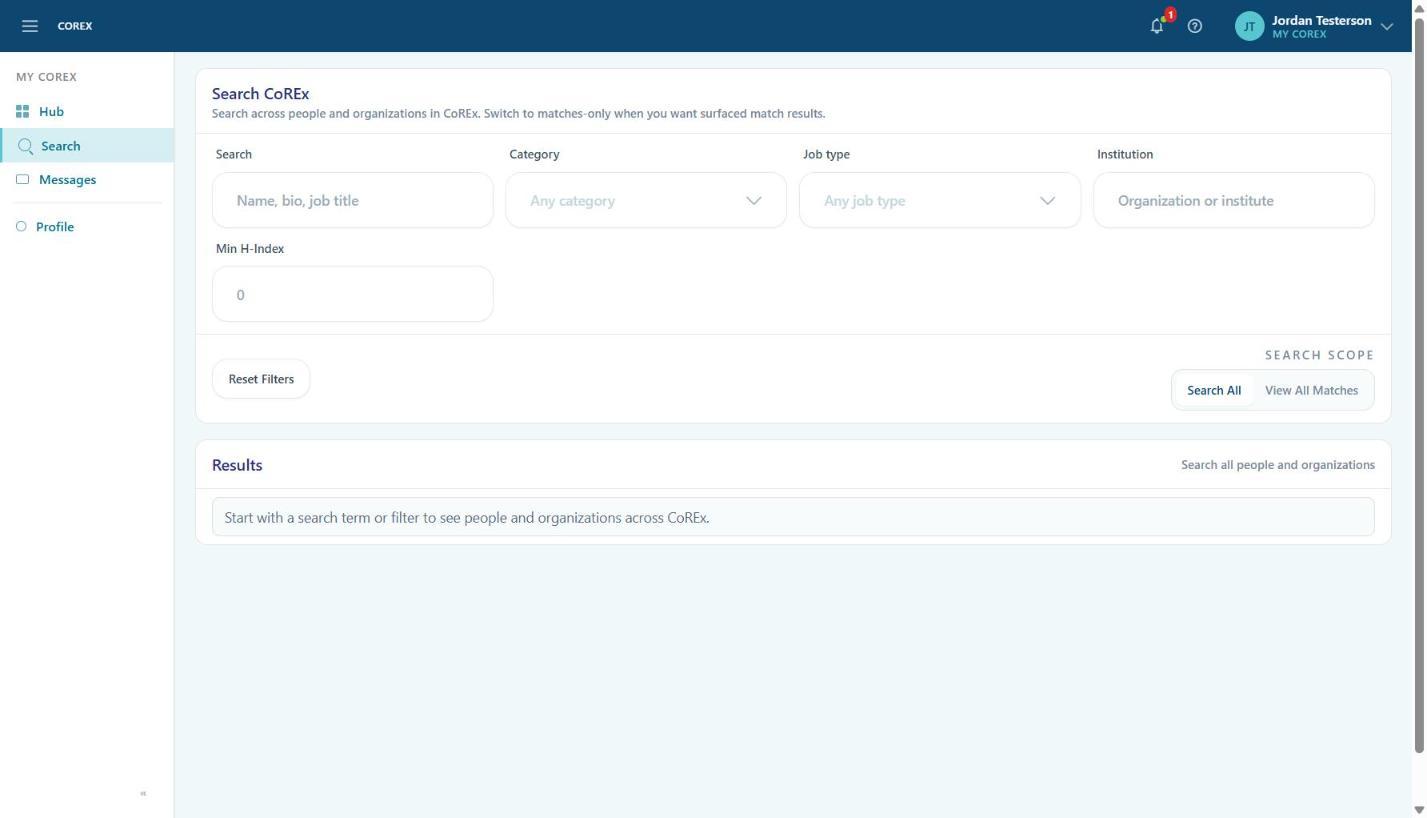
Use Search to find people and organizations across Corex, or narrow the view to just your surfaced matches.
- 1Type a name, keyword or job title in Search, or leave it blank and use the filters.
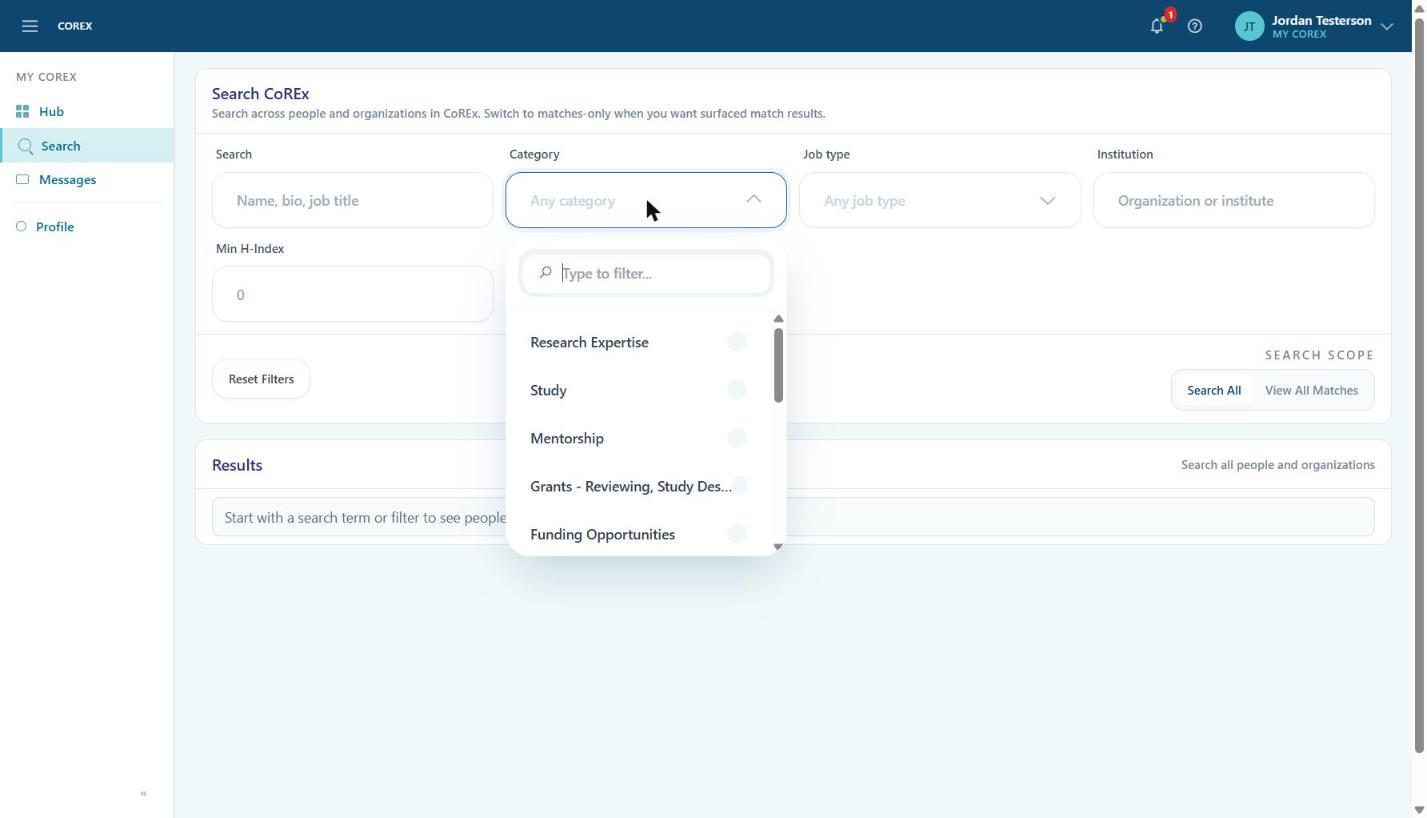
- 2Filter by Category (the same Seeking/Offering categories), Job type, Institution and Min H‑Index.
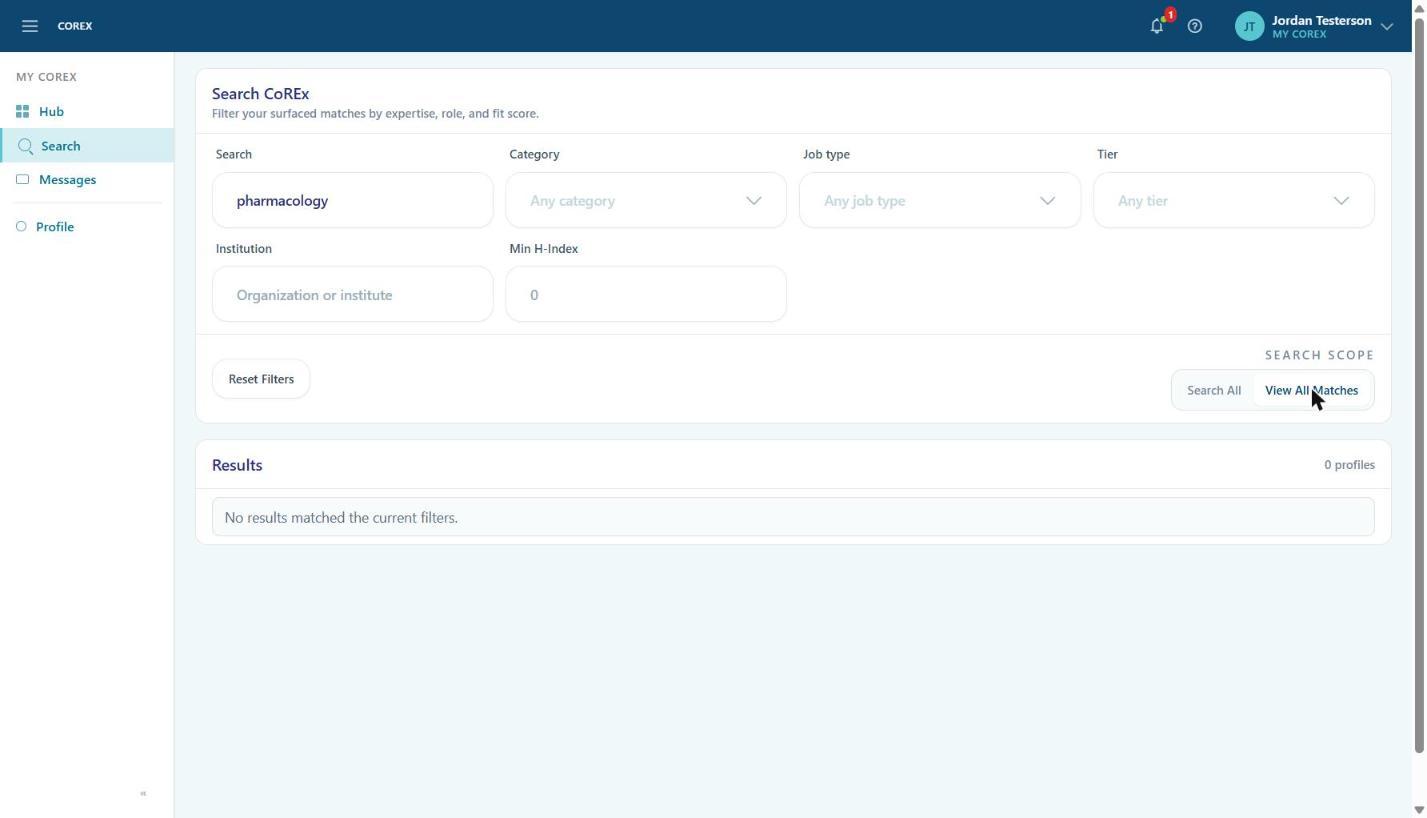
- 3Under Search Scope, choose Search All to look across everyone on Corex, or View All Matches to see only your matches (adds a Tier filter).
- 4Press Enter. Click Reset Filters to start over.