Step 4 of 13
Your first sign-in
The first time you sign in, Corex opens your Profile with a guide card at the top. It lists the three things that make matching work: connect ORCID, review your profile, and set Seeking & Offering. The Start Here panel on the right jumps straight to each one.
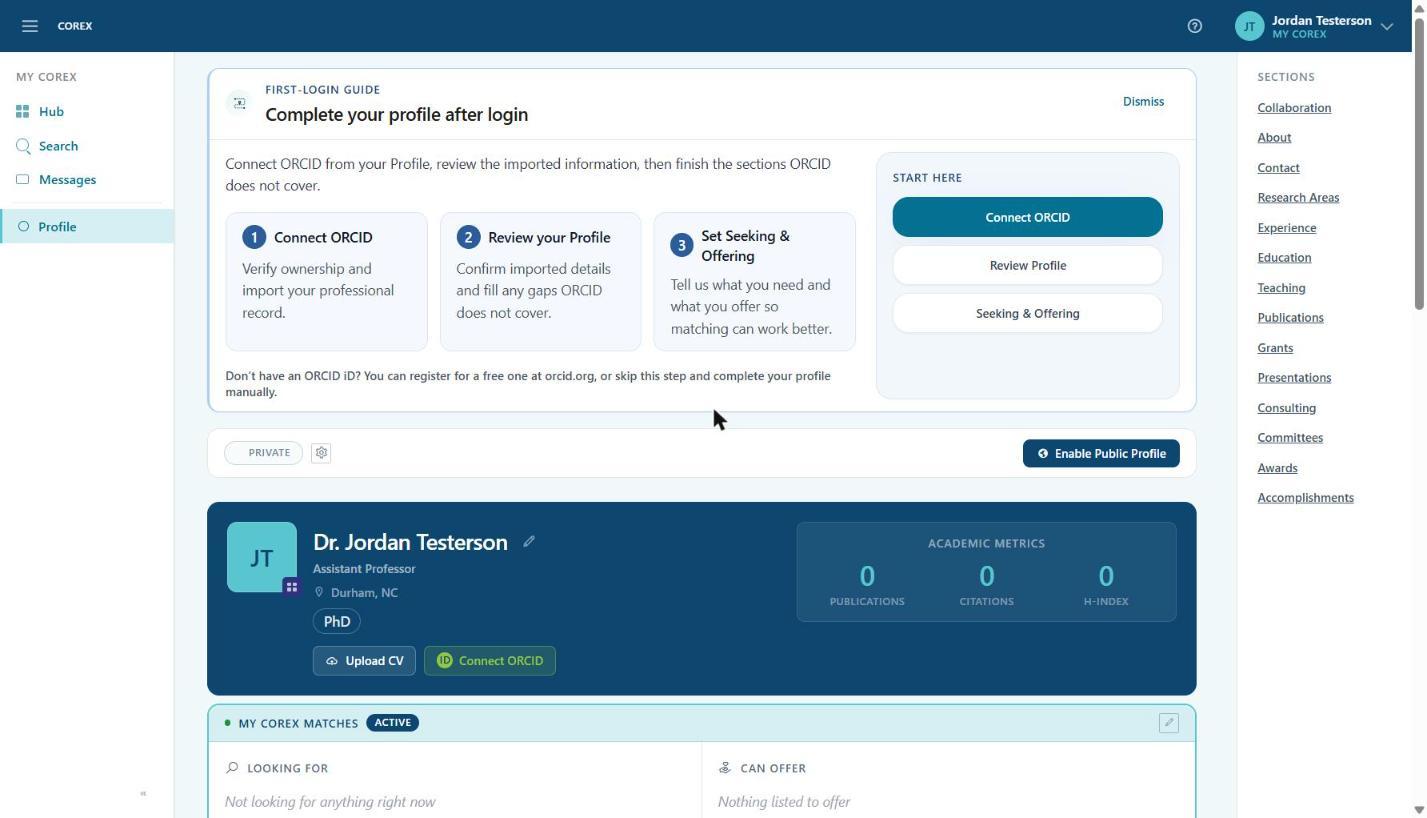
- Hub (left menu) is your home page once setup is done — matches, notifications and connections live there.
- Search finds people and organizations across Corex.
- Messages holds conversations with your matches.
- Profile is where you'll spend the next few minutes.