Step 8 of 13
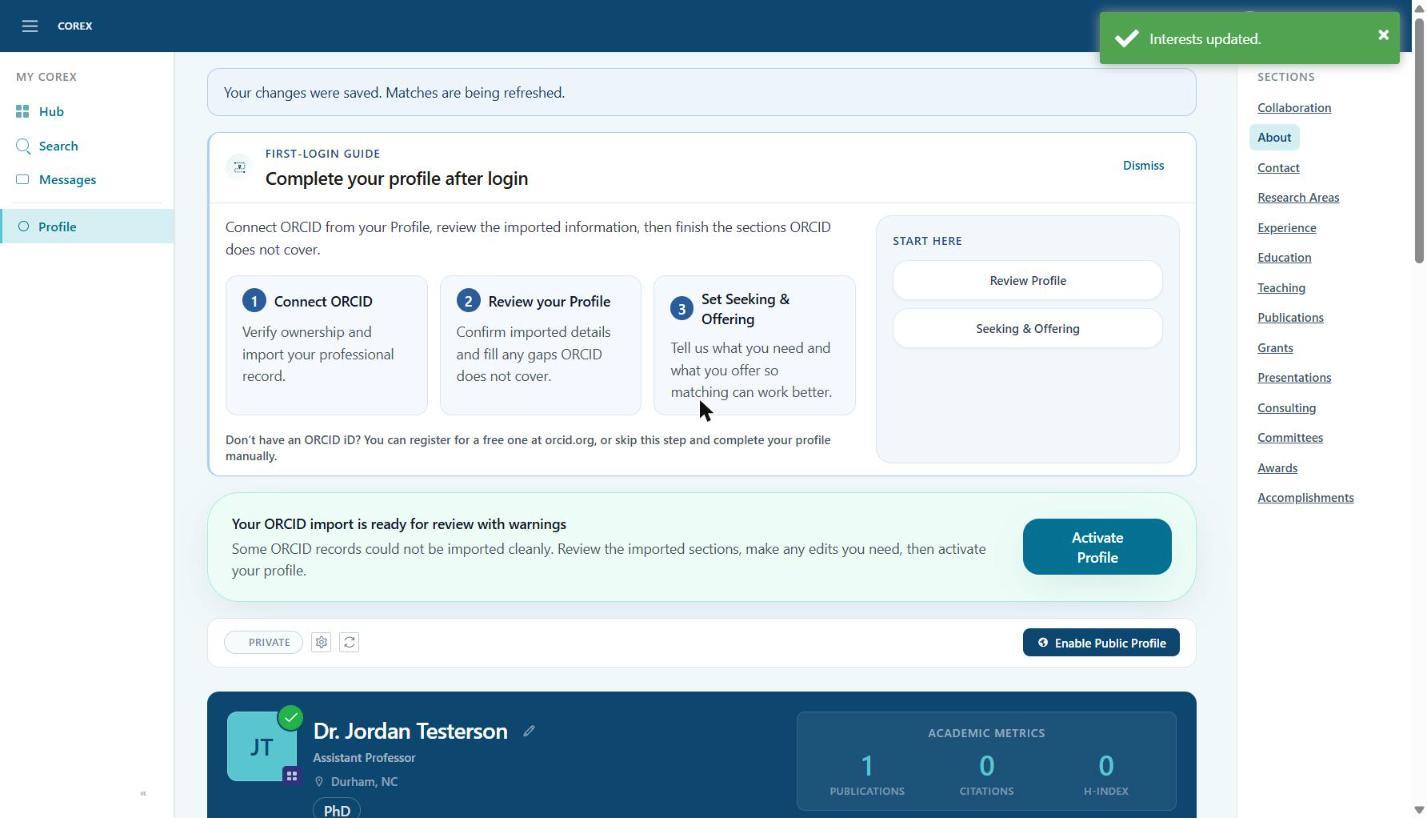
Activate your profile
Once you've reviewed the imported data and filled in the essentials, activate your profile so Corex can start matching you.
- 1Scroll to the top of your Profile.
- 2Click Activate Profile in the green banner.
Step 8 of 13
Once you've reviewed the imported data and filled in the essentials, activate your profile so Corex can start matching you.